
Use Variant for View Changes in Interiors
One of the features that can be found in indoor maps is the ability to change the user's views, starting with a first-person view and changing it to an orbital view to get a different perspective.
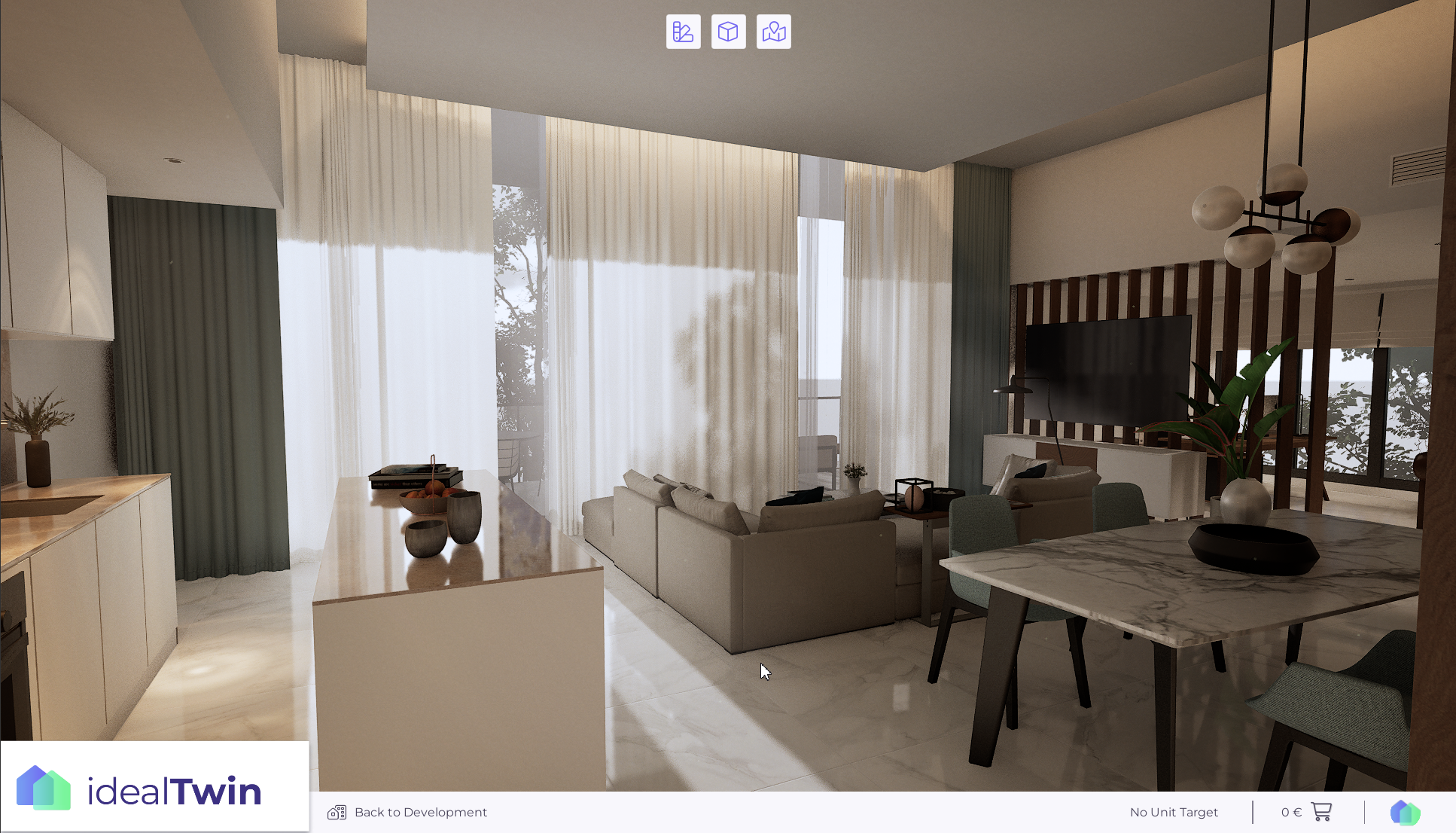
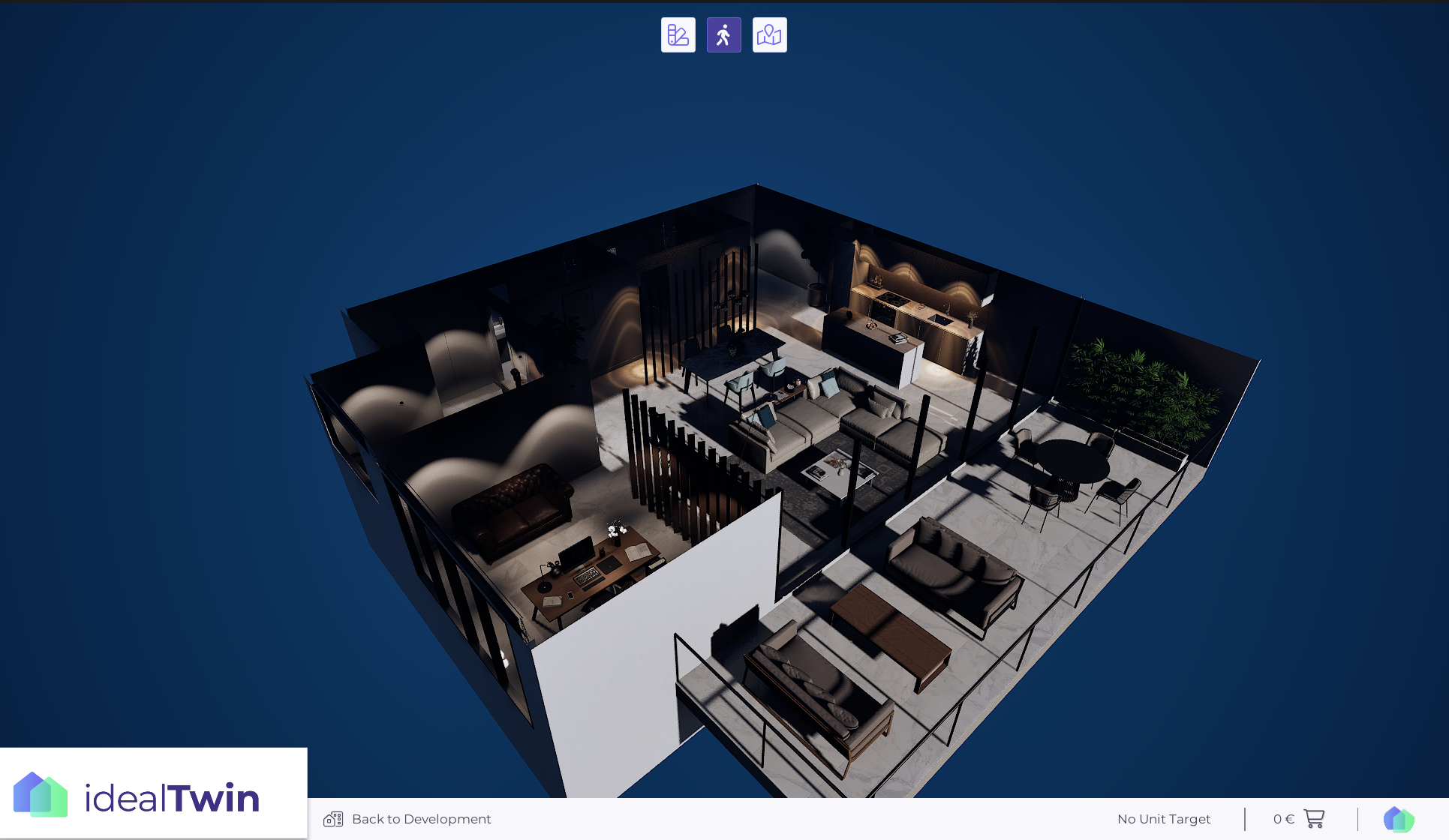
Sometimes, when changing views, we wish to make modifications to the level to hide or alter elements and improve the visualization depending on the view. For this purpose, a functionality has been implemented that uses a VariantSet to manage these changes, functioning as map states independent of the configurator changes.
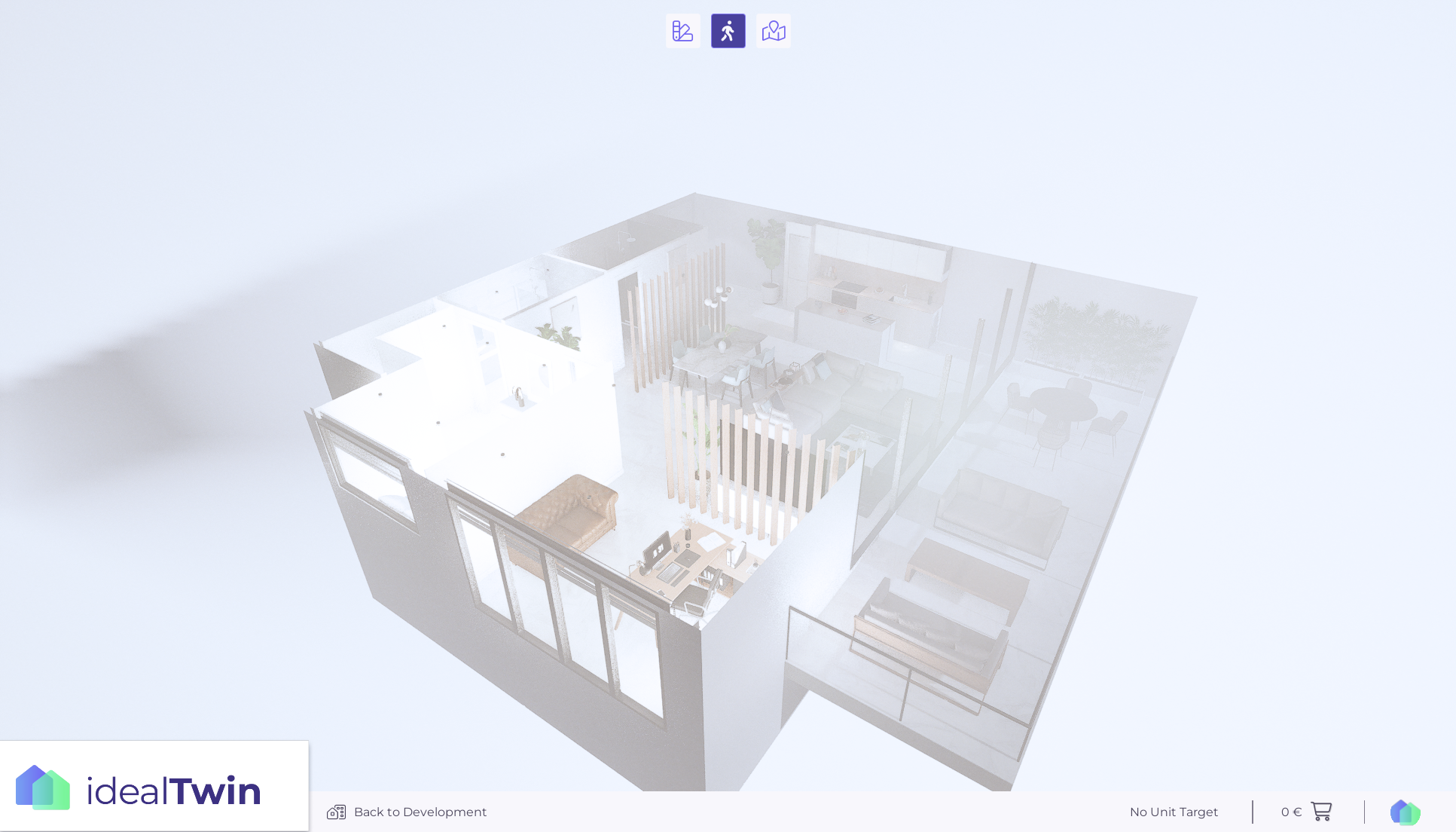
In this image you can see how there are elements to modify to make the orbital view correct.
Setting changes in the interior view
In order to use this functionality, it is necessary that, even without web configurations or with elements from VariantThese elements are present at the interior level:
IdealTwinLevelVariantSetActor
LevelVariantSet (linked)
Once we have these elements, we will use them to configure the changes:
In the classroom
IdealTwinLevelVariantSetActorbutton, there is a button to generate in theLevelVariantSetswhich will be read and the corresponding variants.
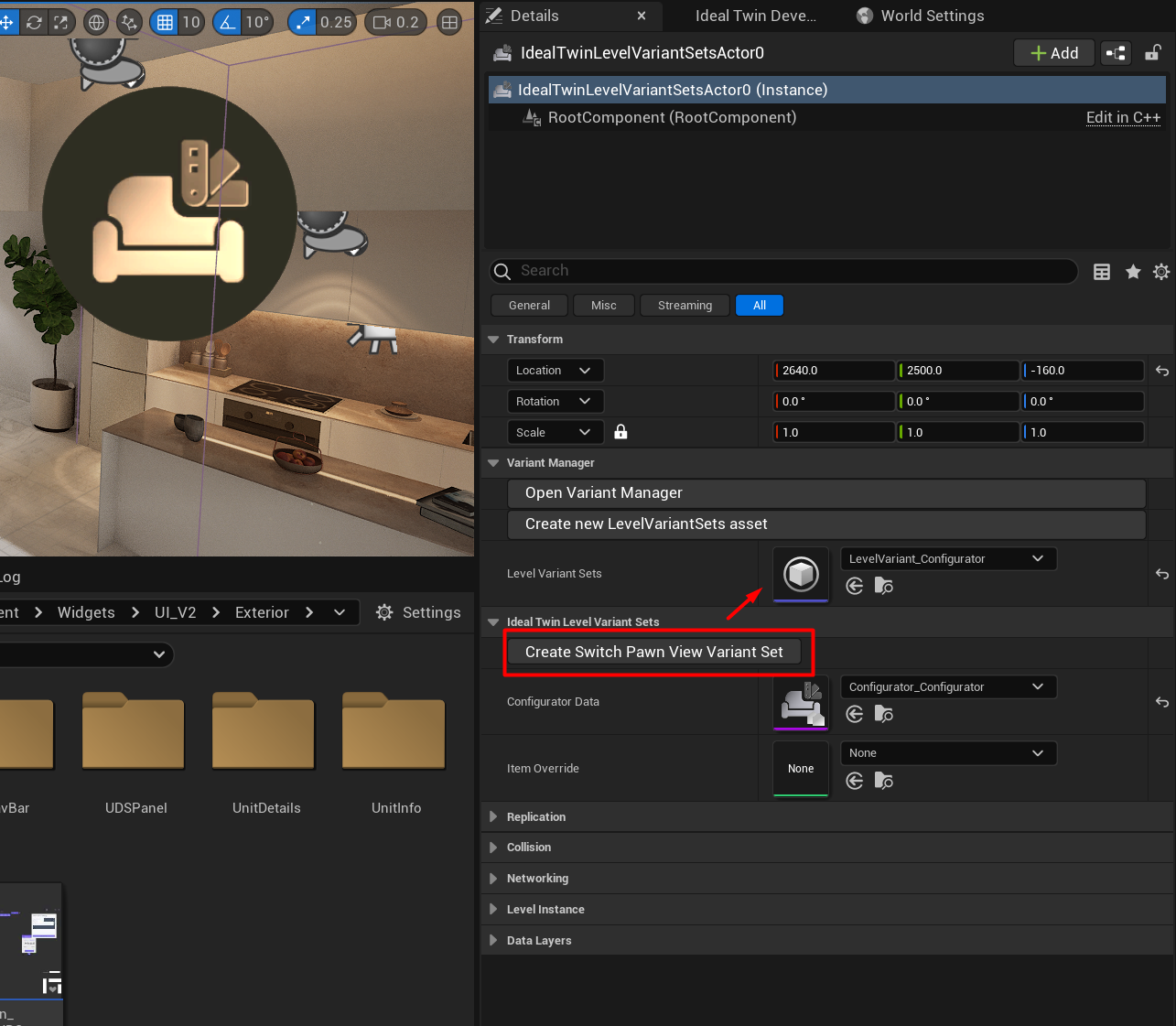
By accessing the
LevelVariantSetsIn the following table, we can see that the necessary elements have been created for its use in each of the views
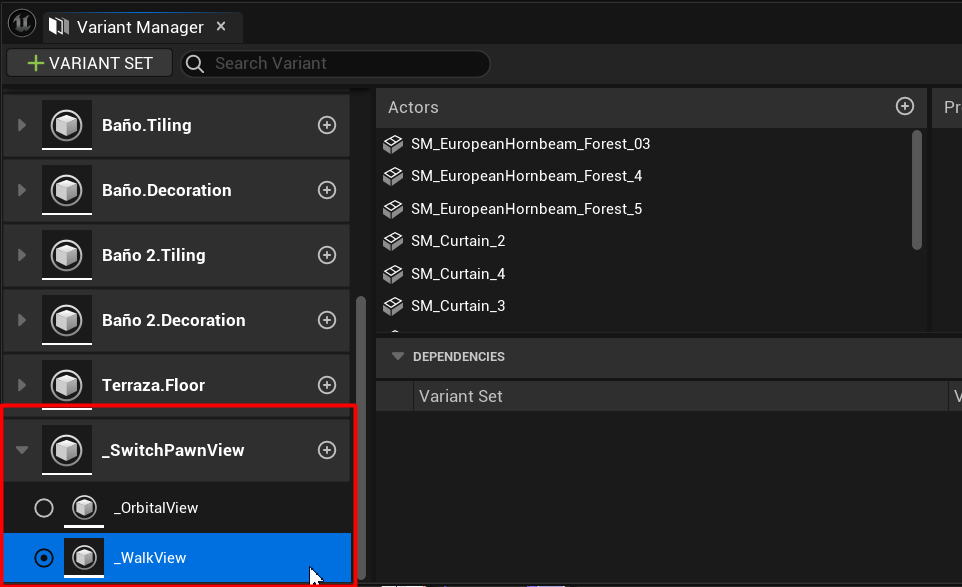
With these steps, it is now possible to make the configurations of the Variant The view change button will activate the modification if it is configured.