Unit images
Log in to IdealTwin
Select the promotion company
Accessing the unit
Click on "Images" in the upper menu
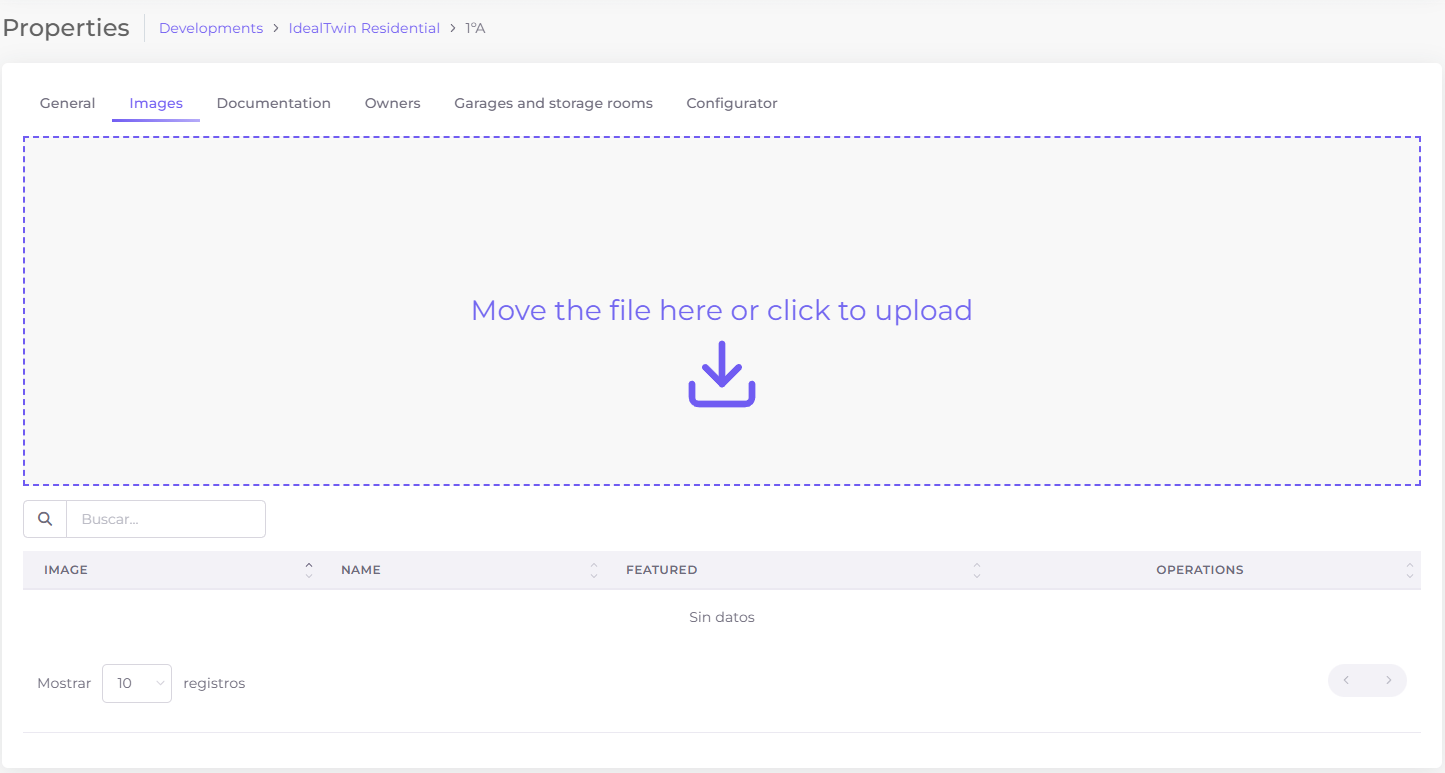
Upload images
To upload any image drag the files to the colored area or click to upload it through the file system of your device.
Accepted file types are: tiff, jfif, bmp, gif, svg, png, jpeg, svgz, jpg, webp, ico, xbm, dib, pjp, apng, tif, pjpeg and avif
Although a large number of extensions are accepted from IdealTwin we recommend working with webp, jpeg, jpg or png.
Edit image properties
After uploading any image you can edit its properties:
Upload any accepted image
In the lower menu click on the button


Title Title or name of the image
Alternative text Alternative text
Indicates if it is a 360 degree image.
External view Indicates whether it is an external view of the development or of the housing/commercial unit.
Delete images
To delete any image click on the icon

