Development Files
File Catalog
Log in to IdealTwin
Select the promotion company
Access the promotion
Click on "Catalog" in the top menu
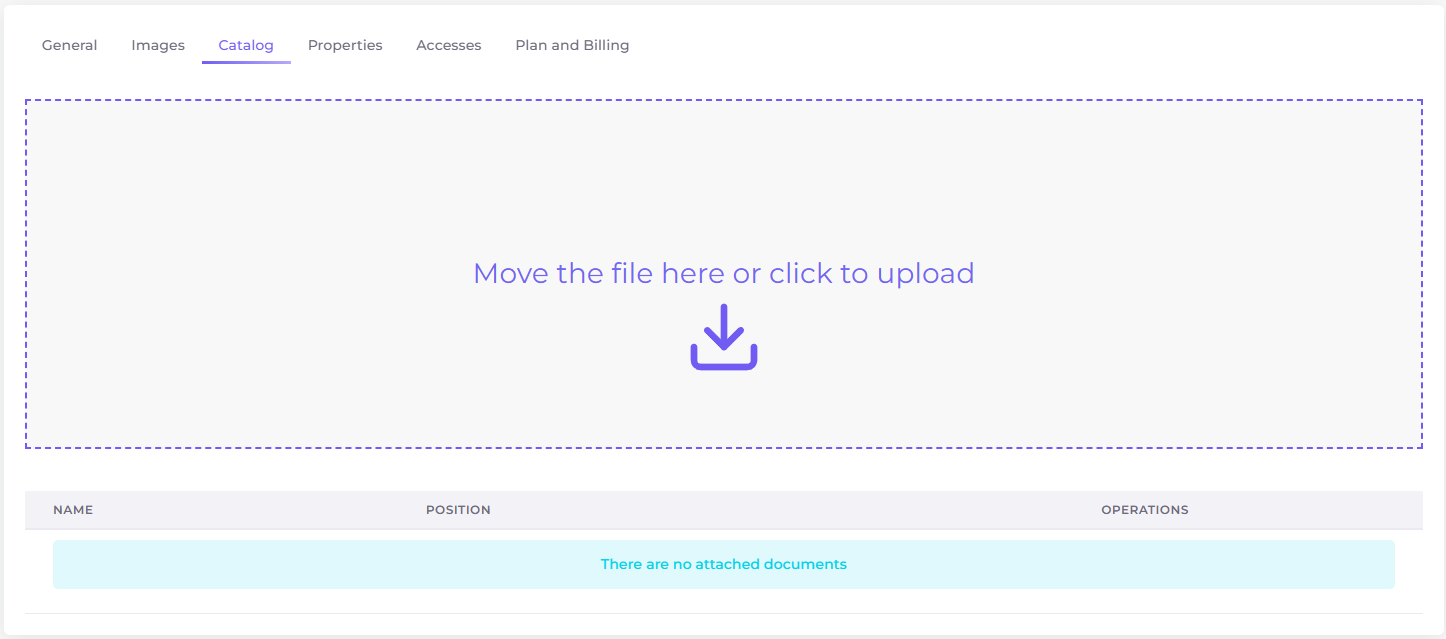
Upload files
To upload any item drag the files to the colored area or click to upload it through the file system of your device.
Accepted file types are: pdf
Delete files
To delete any file click on the icon

