Delete payment method
How to Remove a Payment Method
Go to the section Payment Methods within the company's configuration in IdealTwin.
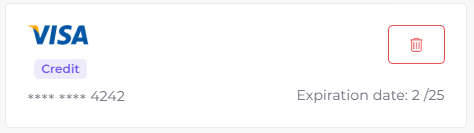
Locate the payment method you wish to delete.
Click on the delete (represented by a trash can icon).

What happens if the deleted payment method has an active subscription?
All subscriptions associated with the payment method removed will continue to operate until the end of the current billing period.
If a new payment method is not registered before the due date, the system will attempt to process the collection at the end of the period.
If the collection cannot be completed, the subscription will be automatically canceled and the user will be passed to the free plan with limited functionality.
Note: To avoid interruptions in your services, it is recommended to add a new payment method before deleting the current one.